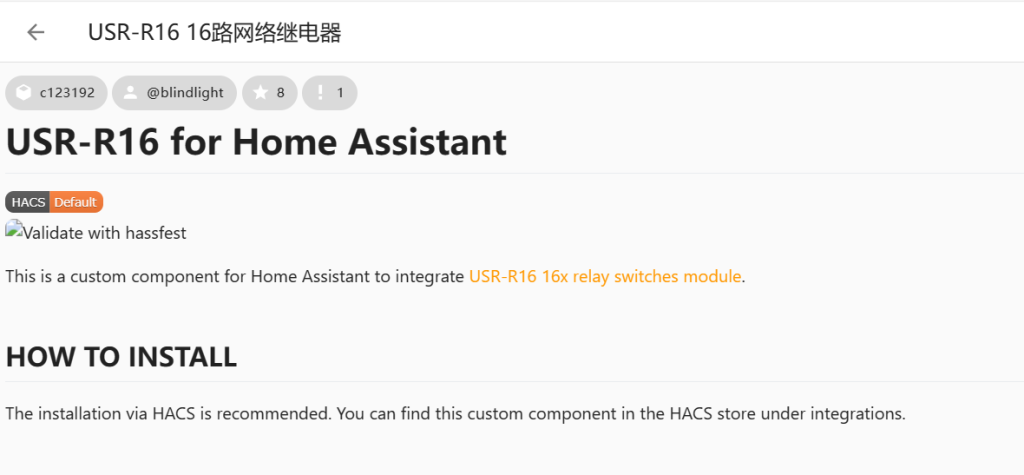
项目地址:blindlight86/HA_USR-R16: USR-R16 integration for Home Assistant (github.com)
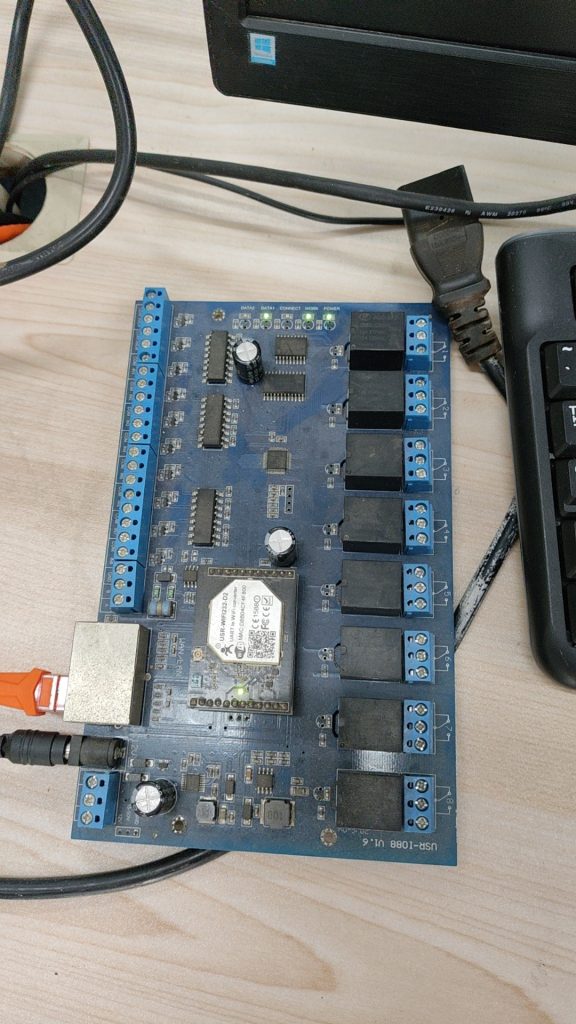
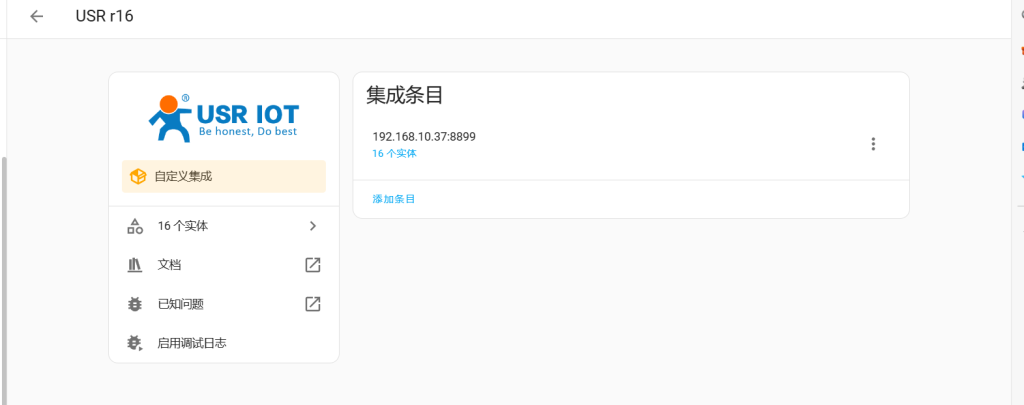
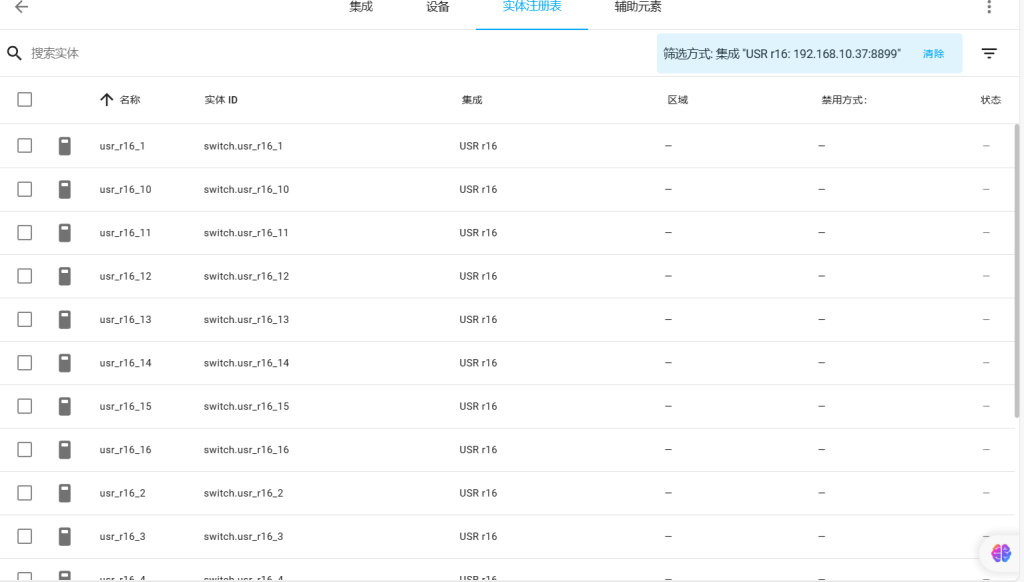
可在hacs里面搜索usr-r16 然后下载—添加集成—输入继电器板的IP地址,端口保持默认–默认密码是admin就可以显示出16路的开关了 我这个是8路的继电器 所以我只能用前1-8.
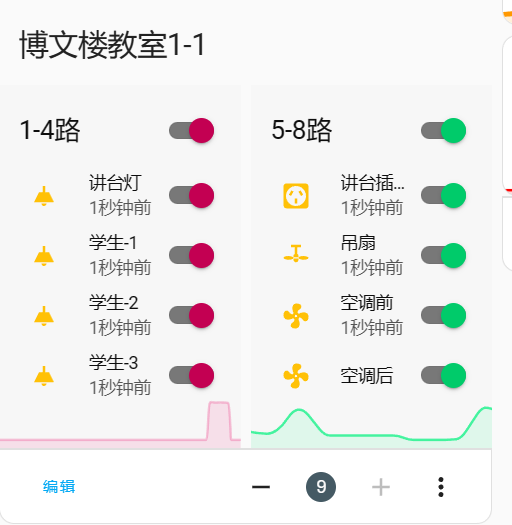
square: true
type: grid
title: 博文楼教室1-1
cards:
  - type: entities
    entities:
      - entity: switch.usr_r16_1
        name: 讲台灯
        secondary_info: last-changed
        icon: mdi:ceiling-light
      - entity: switch.usr_r16_2
        name: 学生-1
        icon: mdi:ceiling-light
        secondary_info: last-updated
      - entity: switch.usr_r16_3
        name: 学生-2
        icon: mdi:ceiling-light
        secondary_info: last-updated
      - entity: switch.usr_r16_4
        name: 学生-3
        icon: mdi:ceiling-light
        secondary_info: last-updated
    title: 1-4路
    state_color: true
    theme: Metro Red
    footer:
      type: graph
      entity: sensor.sonoff_1000bd9db1_power
      detail: 2
  - type: entities
    entities:
      - entity: switch.usr_r16_5
        secondary_info: last-updated
        icon: mdi:power-socket-au
        name: 讲台插座
      - entity: switch.usr_r16_6
        name: 吊扇
        icon: mdi:ceiling-fan
        secondary_info: last-updated
      - entity: switch.usr_r16_7
        name: 空调前
        icon: mdi:fan
        secondary_info: last-updated
      - entity: switch.usr_r16_8
        name: 空调后
        icon: mdi:fan
    title: 5-8路
    theme: Metro Green
    footer:
      type: graph
      entity: sensor.sonoff_1000bd0d94_temperature
    state_color: true
columns: 2