安装方法:详细见项目内介绍使用hacs安装
安装和配置
HACS公司
历史记录浏览器卡现在是默认 HACS Home Assistant Community Store 的一部分。这是安装此卡的首选方法。
手动安装
- 下载文件并将其复制到您的文件夹中
history-explorer-card.jsconfig/www - 添加对其的资源引用。在 HA UI 上,导航到 配置 -> 仪表板 -> 资源。有关更多信息,请访问 Home Assistant 支持网站上的“注册资源”页面。
- 点击按钮
+ Add Resource - 键入 URL 字段,并确保资源类型字段显示 Javascript 模块
/local/history-explorer-card.js - 点击创建 现在,您可以像往常一样将卡片添加到仪表板。添加卡后,您可能需要在浏览器中刷新一次页面才能正确初始化它
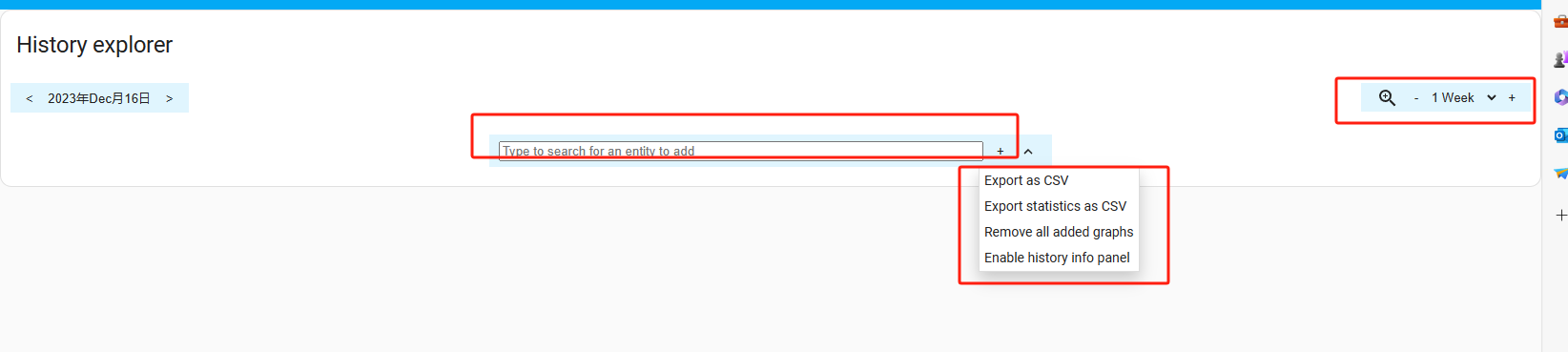
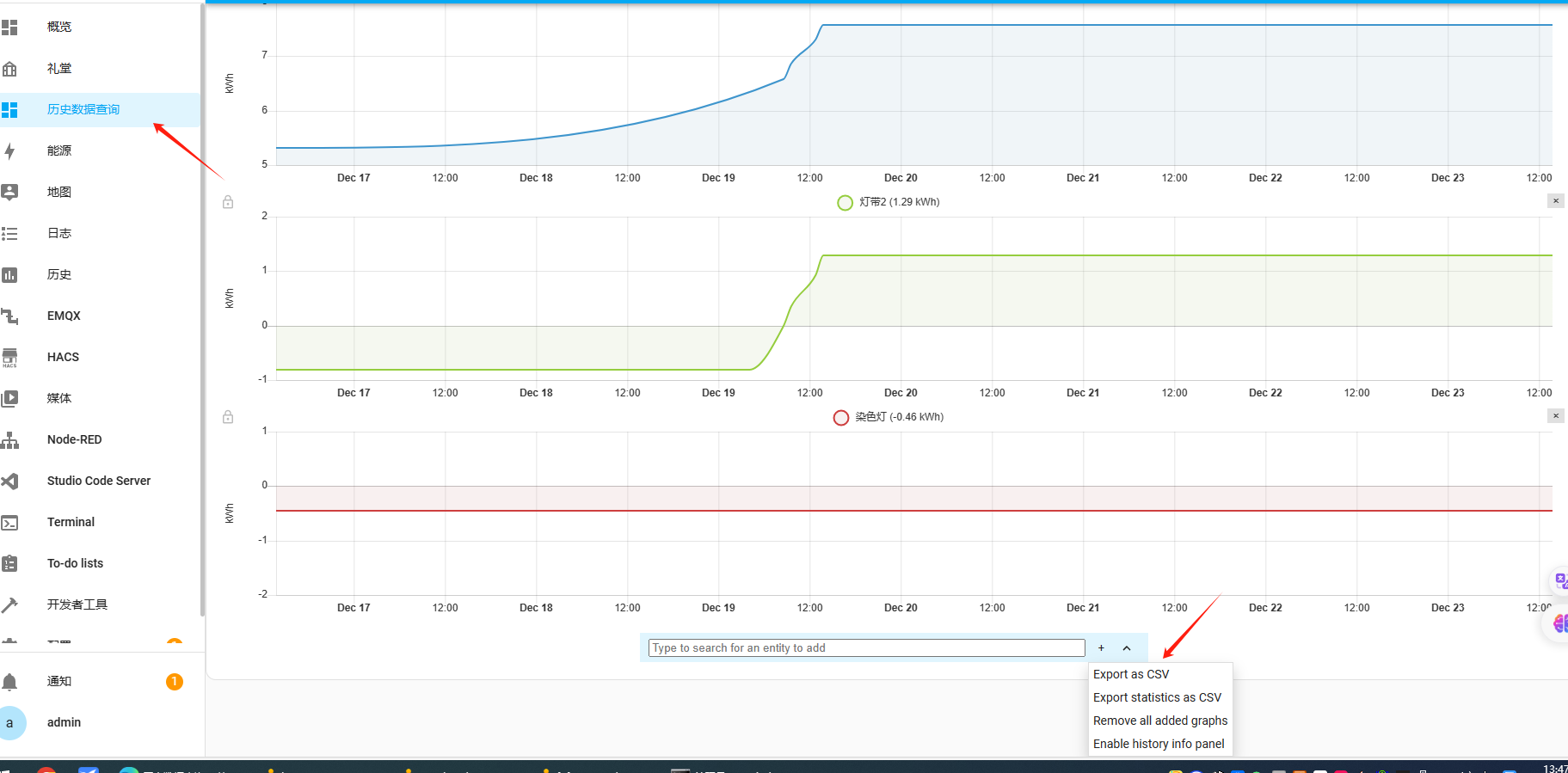
历史数据显示样式
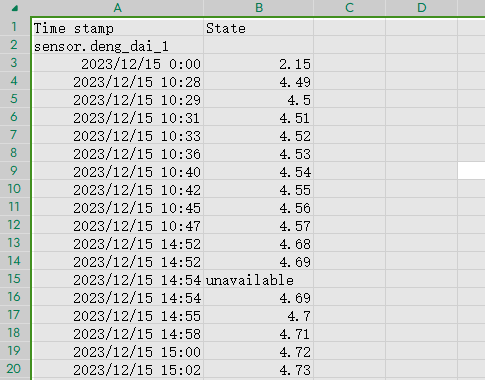
导出表格样式: